Comparing options? Browse all Accessories & Cables reviews.
Quick answer: The StarTech.com VGA to HDMI Adapter (VGA2HDU) is a handy device that lets you connect older computers or laptops with a VGA port to newer TVs or monitors with an HDMI input. Pros buyers mention: works well for old desktops; connects touch-screen tablets; works great at full resolution. Cons buyers mention: no sound volume control in Windows 10; cannot play copyrighted content in HD.

The StarTech.com VGA2HDU Adapter is a really useful tool. It helps you connect older computers to newer TVs. Imagine your old laptop is a classic car, and your new HDTV is a superhighway. This adapter is the perfect on-ramp. It takes the analog signal from your computer’s VGA port and transforms it into a digital HDMI signal. This means you can finally see your computer screen on a bigger, clearer display. So, you can watch movies or give presentations with ease. Furthermore, the adapter handles audio too, thanks to its USB connection. Therefore, you get both picture and sound.
This StarTech.com VGA2HDU Adapter is a lifesaver. Maybe you have an old desktop computer. Or perhaps you use a projector with only a VGA input. This adapter makes those devices compatible with modern screens. Think of it like a universal translator for video signals. It bridges the gap between old and new technology seamlessly. Consequently, you avoid buying a new computer. Instead, you maximize the life of your existing equipment. It’s a smart and economical choice. Moreover, it’s very simple to set up.
Finally, let’s talk about the user experience. The StarTech.com VGA2HDU Adapter is truly plug-and-play. You just connect the cables. Then, your computer’s display appears on your HDTV. There are no complicated drivers. You don’t need any special software either. In fact, it’s so easy, even an 8th grader can do it. Nevertheless, the picture quality is surprisingly good. The audio is clear as well. This little black box is a powerful problem-solver. Furthermore, it’s a small investment. It gives your old gear new life. In summary, it’s a great product.
Key Features
- Converts VGA to HDMI signal
- Includes USB audio support
- Connects PC to HDTV
- Black color casing
- Easy to use converter
- Compact and portable
- No software needed
- Plug and play design
- Powers via USB
- Model: VGA2HDU
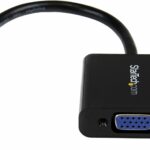
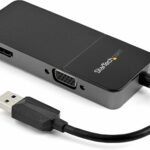
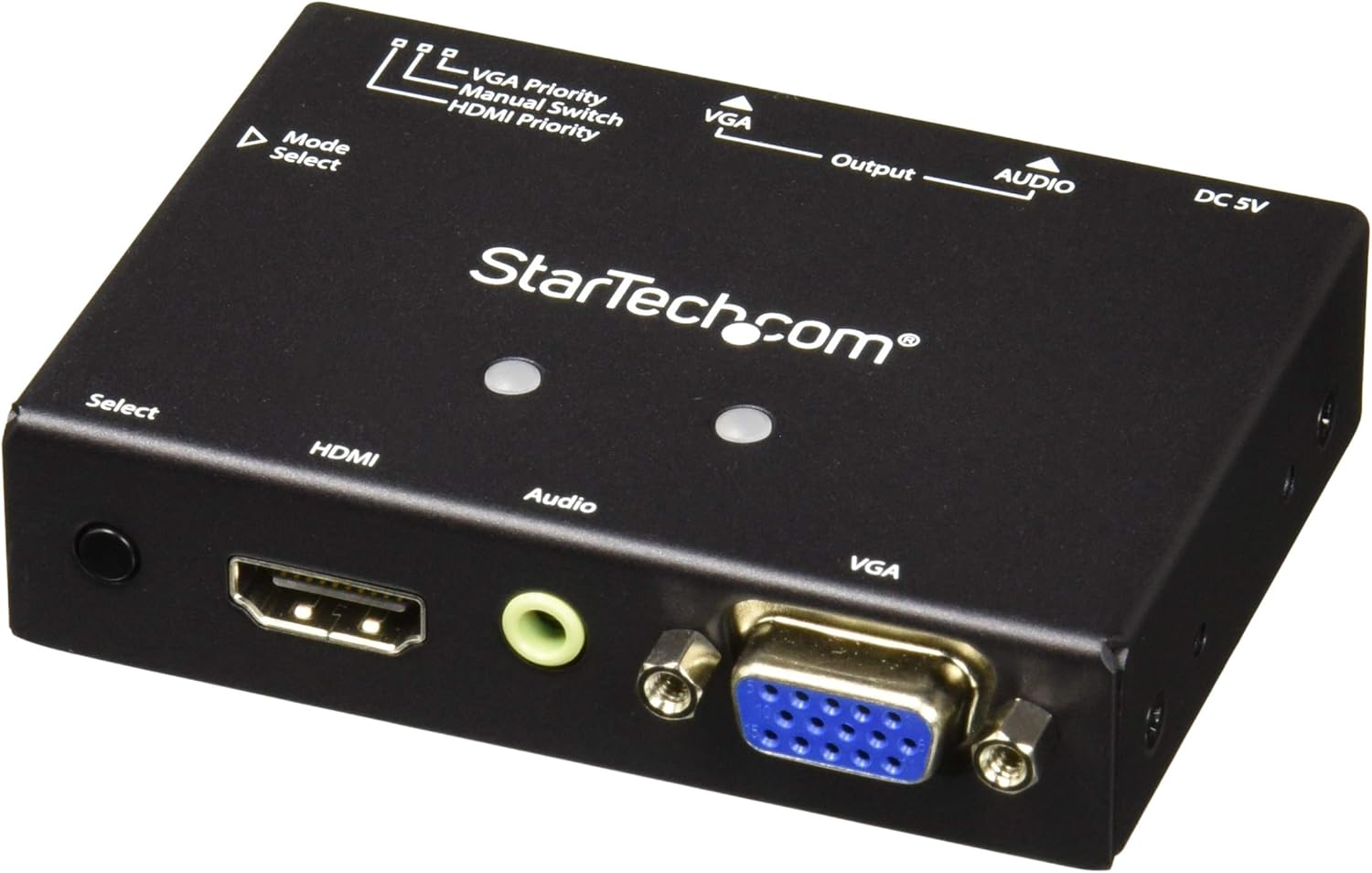
The StarTech.com VGA to HDMI Adapter (VGA2HDU) is a small, black device that lets you connect an older computer with a VGA port to a newer TV or monitor with an HDMI port. It also uses a USB cable to carry audio from your computer to the TV, so you get both picture and sound. This adapter is super easy to use because you just plug it in, and it works no special programs needed. It’s also portable, so you can easily take it with you.
Pros and Cons
👍 Pros
- Works well for old desktops
- Connects touch-screen tablets
- Works great at full resolution
- Flawless picture and sound
- Great 1080p picture quality
- Acts as USB sound card
- Plug & played within minutes
- Sound from TV is better
- Thoughtful USB-A extension
- Extremely versatile
- Supports sound
- Works well with headless Linux
👎 Cons
- No sound volume control in Windows 10
- Cannot play copyrighted content in HD
- 720×400 BIOS mode does not pass through
- PC may switch to HDMI for audio automatically
- Need to use TV remote for volume control
Bottom Line
The StarTech.com VGA to HDMI Adapter (VGA2HDU) is a handy device that lets you connect older computers or laptops with a VGA port to newer TVs or monitors with an HDMI input. It gives you clear 1080p picture and sound, even acting as a USB sound card. It’s easy to set up and works well for various uses, including with some touch-screen tablets and headless Linux systems. However, you can’t watch copyrighted content in HD, and some older computer screen modes might not work. Also, you’ll need to use your TV remote for volume, and your computer might automatically switch sound to the HDMI. Read more →


Frequently Asked Questions
What do buyers like about the StarTech.com VGA2HDU Adapter?
Buyers most often mention: works well for old desktops; connects touch-screen tablets; works great at full resolution; flawless picture and sound.
Are there any problems with the StarTech.com VGA2HDU Adapter?
The main complaints: no sound volume control in Windows 10; cannot play copyrighted content in HD; 720×400 BIOS mode does not pass through; PC may switch to HDMI for audio automatically.
Is the StarTech.com VGA2HDU Adapter worth buying?
Most buyers are positive. Our 4.0/5 rating reflects the specs and buyer feedback, not lab testing, so compare it with similar models before you decide.
Who is the StarTech.com VGA2HDU Adapter best for?
It suits shoppers browsing accessories & cables, especially if the pros above match how you plan to use it.
Related Posts